Camera no Kitamura
カメラのキタムラ
Search the official used inventory first, then confirm which branch holds the item. Check the sensor, autofocus, lens glass, battery, charger, accessories, and menu languages in person.
Camera no Kitamura, Sofmap, and Janpara with practical inspection checks.
カメラのキタムラ
Search the official used inventory first, then confirm which branch holds the item. Check the sensor, autofocus, lens glass, battery, charger, accessories, and menu languages in person.
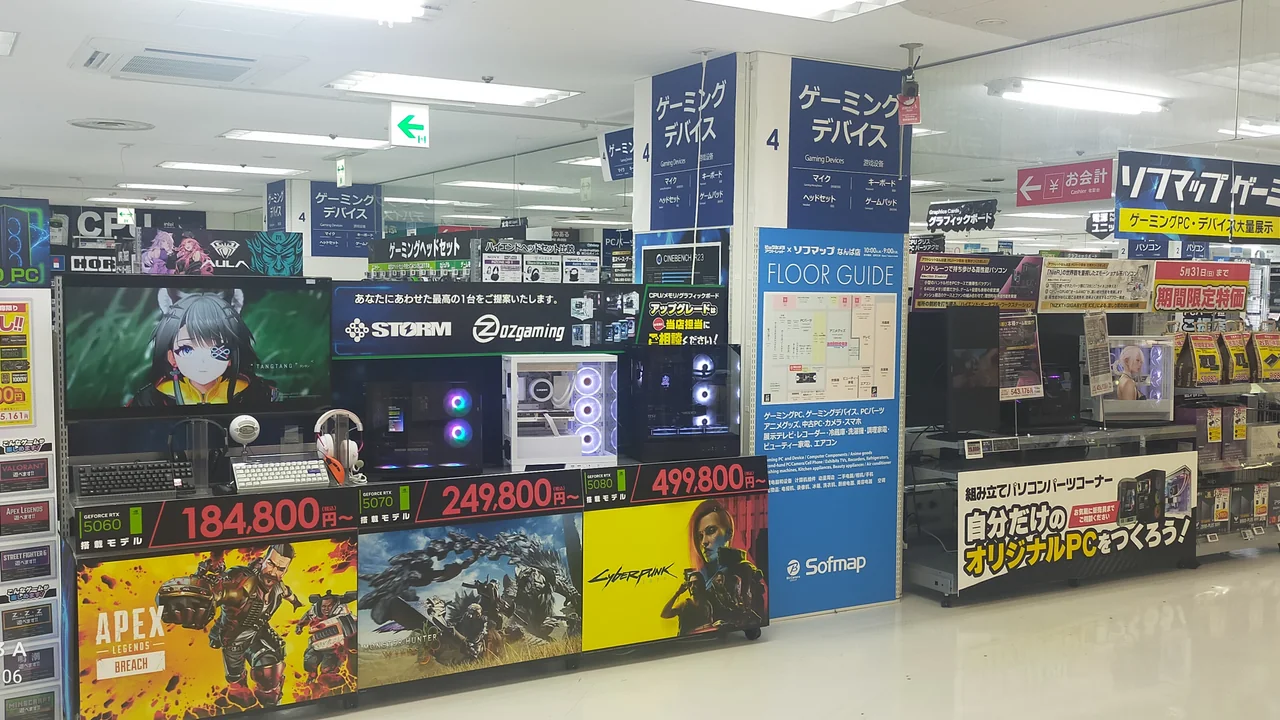
ソフマップ
Use the condition rank and item photos to shortlist stock. Before paying, verify battery health, storage, keyboard layout, ports, charger, operating-system activation, included accessories, and the exact return terms.
じゃんぱら
Compare the same model across branches because condition and included accessories differ by unit. For PCs, check battery and SSD health, ports, Japanese keyboard layout, charger voltage, reset status, and warranty coverage.